
See your margin before you reprice
The register knows what each item sells for. Your invoices know what it cost. StoreDesk puts those two numbers side by side, per unit, so you can see the margin before you change a shelf tag.
For convenience stores and gas stations
Runs on your back-office PC. Track every vendor's cost, compare prices across suppliers, see the margin on every item, watch your fuel prices, and let your staff scan barcodes anywhere on the floor.
 Works withCommander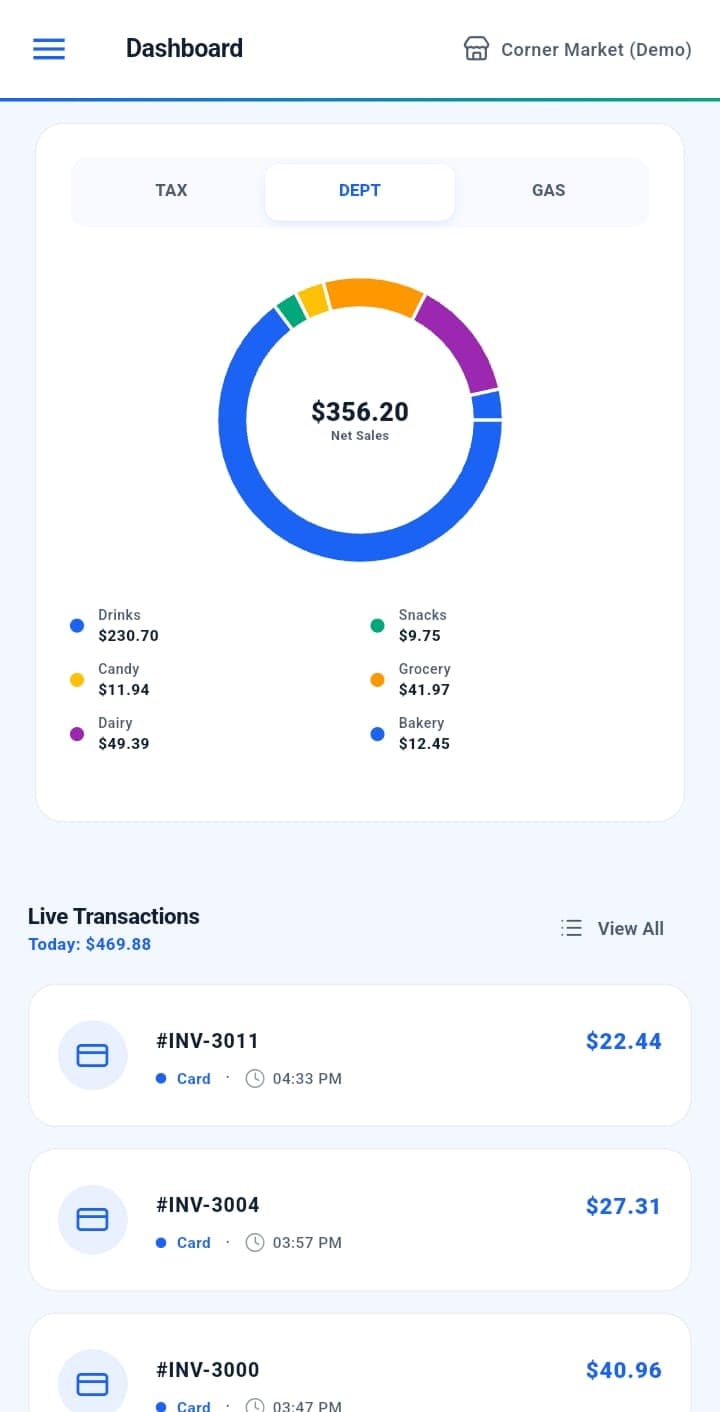
Margin you can see before you reprice, a register nothing changes behind your back, and answers in the aisle.
The register knows what each item sells for. Your invoices know what it cost. StoreDesk puts those two numbers side by side, per unit, so you can see the margin before you change a shelf tag.
StoreDesk reads prices and sales from your Verifone Commander. Sending a price back is off by default; when you turn it on, changes wait in a list until a person checks them and sends them. Nothing goes to a till on its own, and if StoreDesk stopped tomorrow the store would keep trading.
Scan a shelf tag anywhere in the store to see the shelf price, what you paid and which supplier is cheapest.
Real screens from the Android app, running against a demo store.
Staff accounts you set up
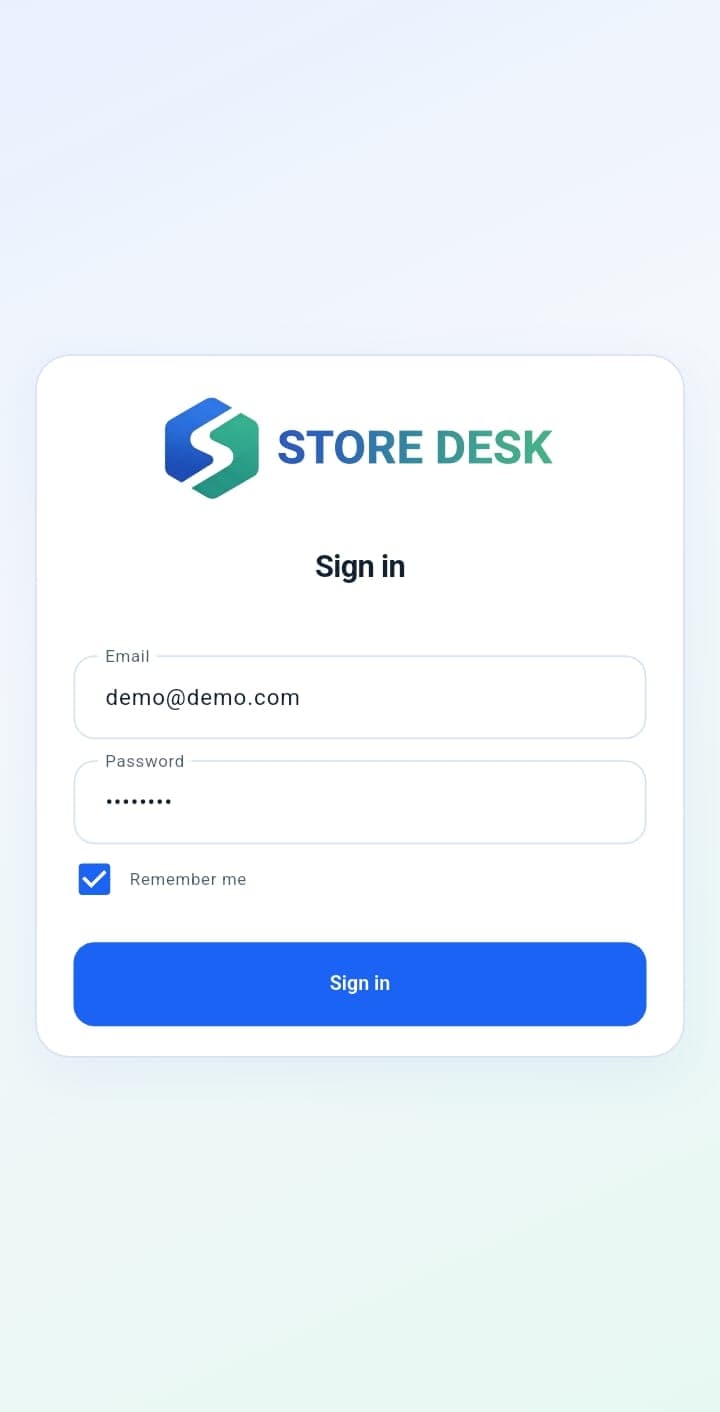
Each person signs in with an account you create for them. There is no public sign-up, and you choose which screens they can open.
Install on the back-office PC, point it at your register, add what you pay your suppliers, then put the phone app in your staff's hands. On hardware you already own, with nothing to rack and nothing to rewire at the till.